Creating a cozy and functional home workspace is essential for maintaining productivity and comfort when working remotely or tackling projects at home. A well-designed workspace can help reduce distractions, improve focus, and make your daily routine more enjoyable. Here are some helpful tips to set up a home office that balances style, comfort, and functionality.
Choose the Right Location
Find a Quiet Spot
Select a space in your home that offers minimal distractions. Ideally, this might be a spare room, a corner of your living room, or even a section of your bedroom. The key is to have a quiet area where you can concentrate without interruptions.
Consider Natural Light
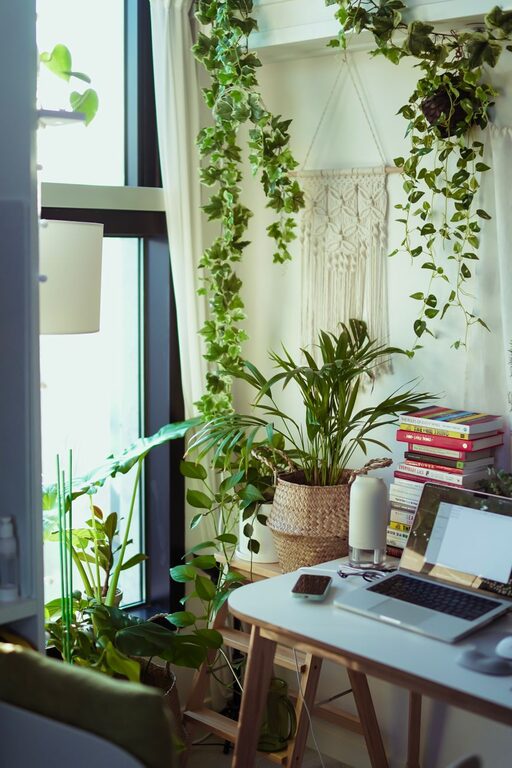
Position your desk near a window if possible. Natural light boosts mood and energy while reducing eye strain. However, avoid screen glare by placing your monitor perpendicular to the window rather than directly in front or behind it.
Invest in Comfortable and Ergonomic Furniture
Ergonomic Chair
A supportive chair with adjustable height and backrest can prevent discomfort and long-term posture issues. Spend time testing different chairs or look for one with good lumbar support.
Desk Choice
Pick a desk that fits your space and meets your working needs. If you prefer standing or mixing sitting and standing, consider a height-adjustable desk. Ensure there’s enough surface area for your computer, notebooks, and other essentials.
Organize for Efficiency
Declutter Your Space
Keep only items you use daily on your desk. A clean and tidy workspace reduces distractions and anxiety. Use drawers, shelves, or storage bins to keep clutter out of sight.
Use Organizational Tools
Incorporate organizers like desk trays, pen holders, cable management solutions, and file cabinets. Label storage boxes or drawers to quickly find what you need without disrupting your flow.
Add Personal Touches
Incorporate Decor that Inspires You
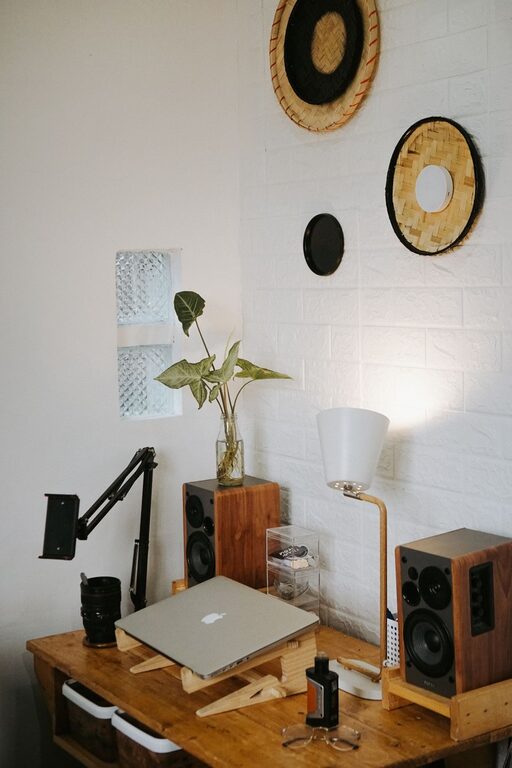
Decorate your workspace with items that motivate and calm you, such as plants, artwork, or photos. Just a few personal touches can make the space inviting and boost morale.
Choose Soothing Colors
Colors affect mood and productivity. Soft blues, greens, or neutrals tend to have calming effects, while pops of brighter colors can add energy. Pick a color scheme that feels right for your personality and work style.
Optimize Lighting
Layer Lighting
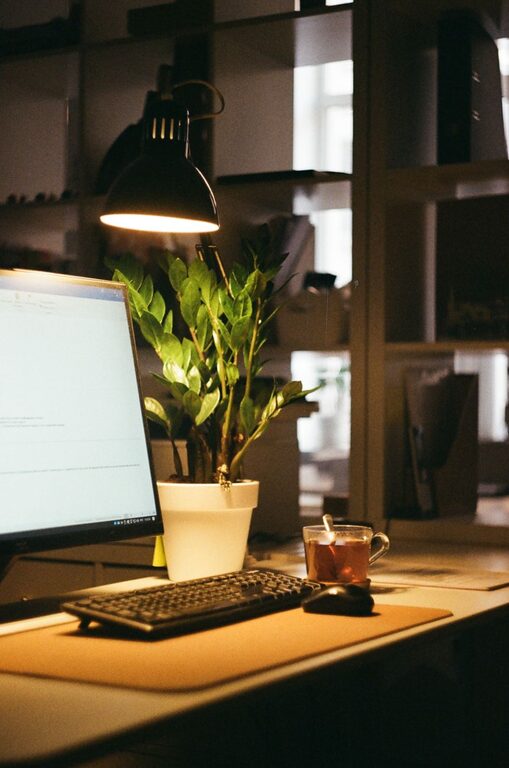
Use a combination of natural light, overhead lighting, and task lighting to create a balanced environment. A desk lamp with adjustable brightness can help reduce eye strain during late hours.
Avoid Harsh Lighting
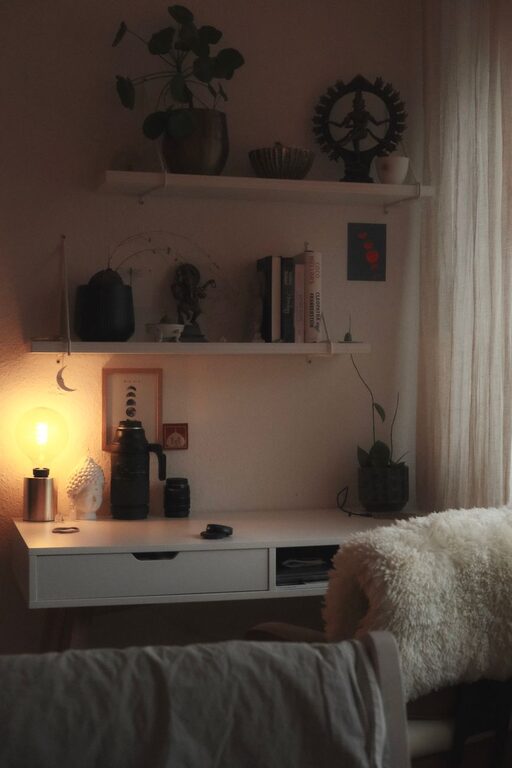
Fluorescent lights can be harsh and tiring. Instead, aim for warm-toned bulbs that provide a comfortable glow without overpowering your space.
Manage Technology Smartly
Organize Cables
Use cable clips, sleeves, or ties to keep cords neat and prevent tangling. This not only looks better but also protects your equipment from damage.
Invest in Quality Technology
Reliable wifi, a good quality keyboard, mouse, and monitor can make a significant difference in your work efficiency and comfort.
Incorporate Break and Movement Areas
Take Stretch Breaks
Having space for stretches or small exercises can help you avoid stiffness. Consider using a yoga mat or a small corner for quick movement breaks.
Step Away from Your Desk
Create a spot nearby where you can take brief breaks without distractions, like a comfy chair or a window nook.
Maintain Your Workspace
Daily Cleanup
Spend a few minutes each day tidying your desk and put away any papers or tools you used. This habit keeps your environment fresh and ready for the next day.
Reassess Periodically
Regularly evaluate your workspace’s functionality and comfort. Adjust furniture, lighting, or layout as your needs evolve.
Final Thoughts
A cozy and functional home workspace doesn’t have to be complicated or expensive. Focus on creating an environment that supports your work style, encourages good posture, and reflects your personality. With a thoughtful approach to location, furniture, organization, and lighting, your home office can become a productive retreat where you look forward to spending your workdays.